簡介
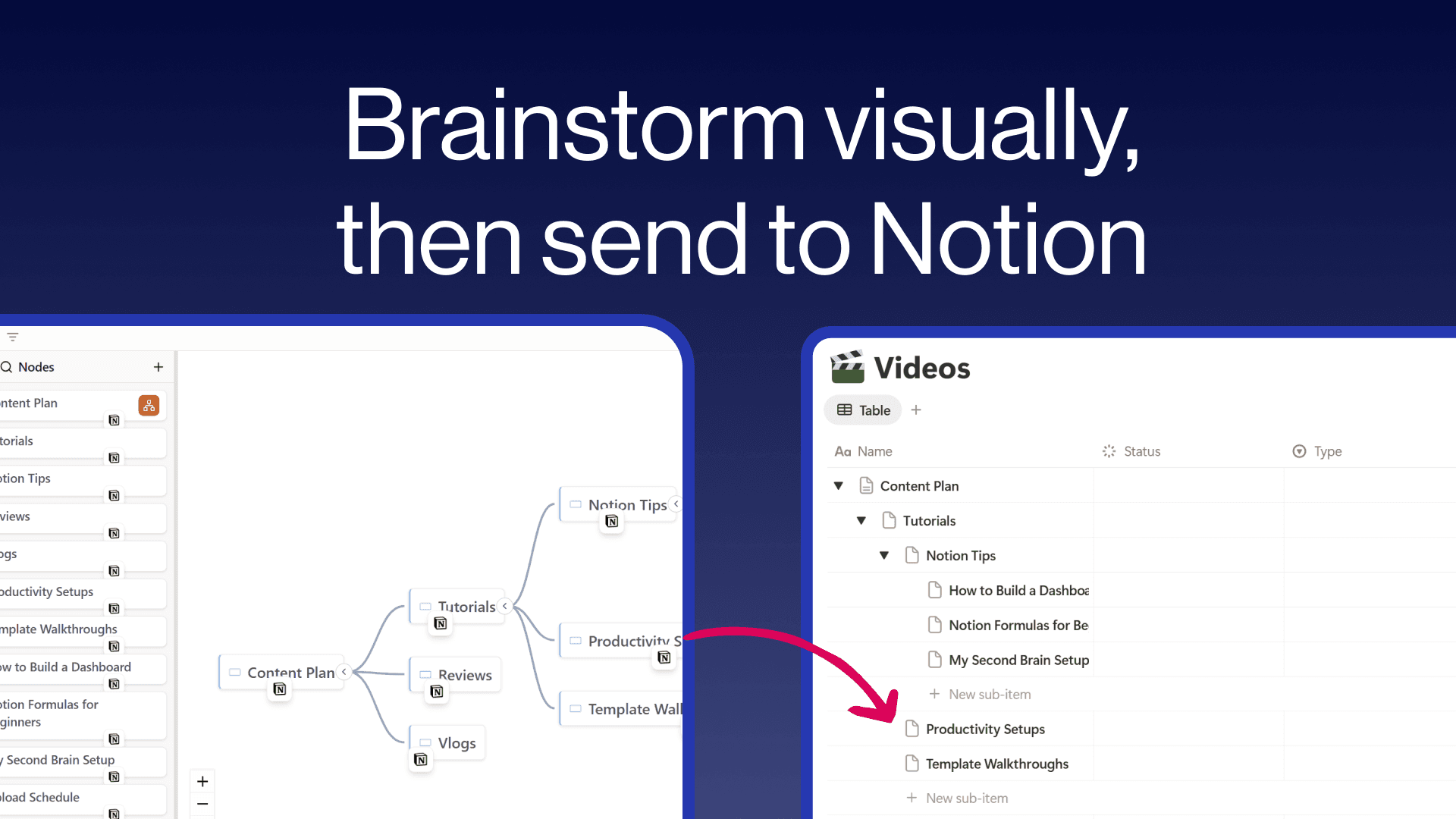
Create freeform mind maps and send them directly to your Notion databases. Build your ideas visually with an intuitive tree editor, then push individual nodes or your entire map to Notion with hierarchy preserved as sub-items. Embed interactive mind maps inside any Notion page so your team can explore them without leaving their workspace. Free to use with unlimited maps and nodes.
功能
- 讀取、插入和更新內容可以讀取、插入和更新此連接共享的頁面、資料庫和區塊。
- 查看工作空間使用者讀取工作空間成員與訪客的基本個人檔案詳細資料,包括其電子郵件地址。
使用方式
- Visit notionmindmap.com and click "Login with Notion"
- Select your workspace and the databases you want to connect
- Click "Create new Mindmap" to start brainstorming
- Add nodes using the + buttons that appear on hover
- Click the "..." menu on any node and choose "Send to" to push it to a Notion database
- Click "Share" to get an embed URL you can paste into any Notion page using /embed