Google Drive
Overview
Google Drive helps you create and manage documents, spreadsheets, presentations, surveys and more. With the Google Drive integration in Notion, you can share your work easily and access your documents in one place.
How to use
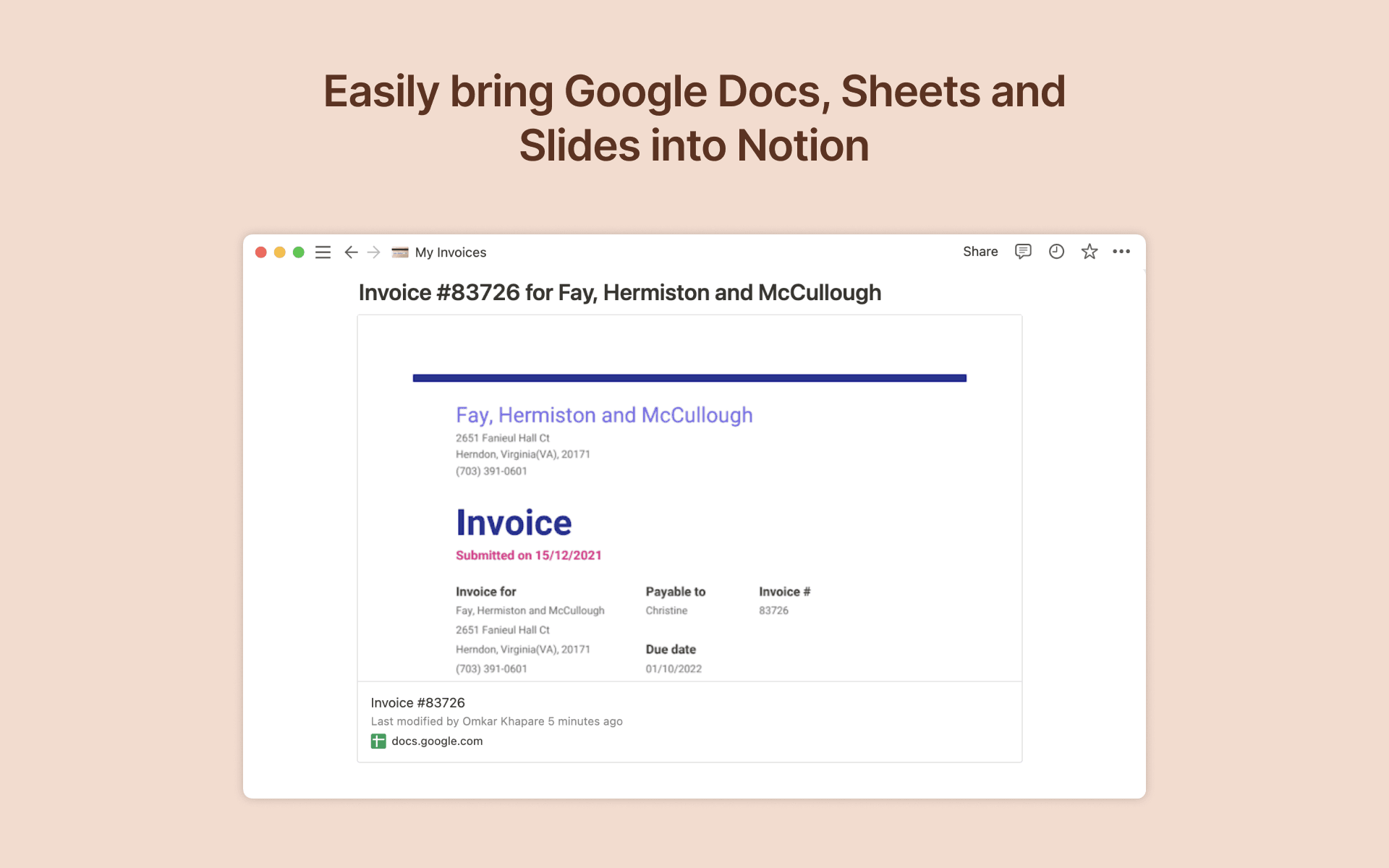
To create a preview of a Google Drive file in Notion, paste any Google Drive link into Notion, then select
Paste as preview. You can also type/googlein any Notion page and a menu will appear, allowing you to paste links and browse your Google Drive files directly from Notion. If it’s your first time using Google Drive with Notion, you will be prompted to authorize the integration. Follow the prompts to complete the authorization process. Once authorized, you will see a detailed preview of the linked contentTo link Google Drive files to items in your Notion database, just add add a new property to your Notion database by using the
+button at the top right and selectingGoogle Drive File
- 由
- Notion
- 类别
- 文件管理
- 功能
- 链接预览
更多集成
Chatasist
Bring your Notion knowledge into Chatasist so AI can answer customer questions from it.
Other Me
Ask AI to find, summarize and update your Notion docs — privacy-first.
YAGNI
Automate your Notion updates from your business processes automatically
Qodo
The AI-powered code review and quality for engineering teams that cares about the context
Recipe Clipper
Save any recipe to Notion
DocsAutomator
Turn Notion entries into polished PDFs, Google Docs, and signed contracts.