关于
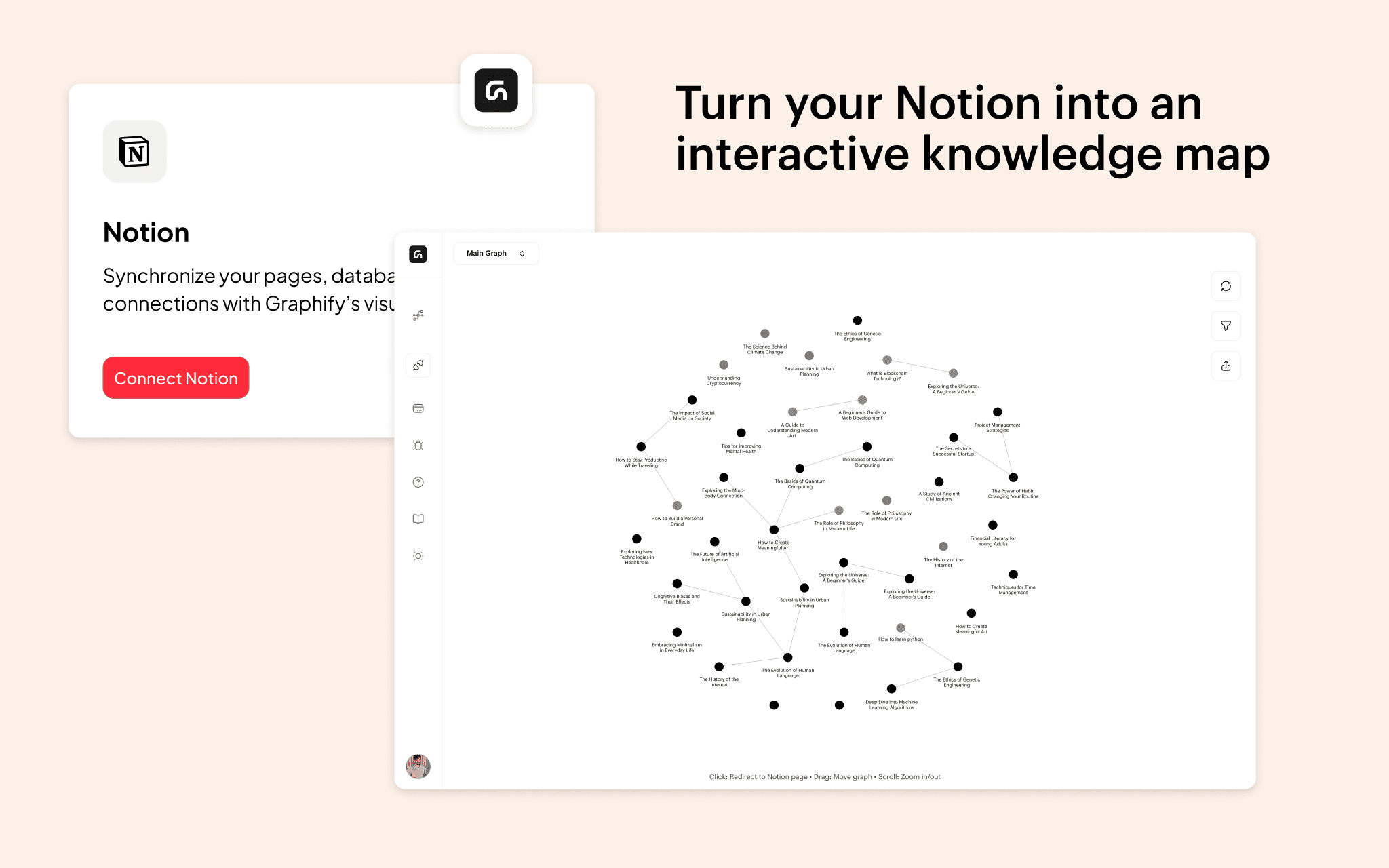
Graphify transforms your Notion workspace into an interactive knowledge graph, making it easier to visualize and explore relationships between your notes.With this integration, you can instantly generate a graph view of your Notion pages, using existing @mentions, database relations, and links. Simply connect Graphify to your workspace, select the pages you want to include, and watch as your notes become an interactive, structured network. Users can filter nodes in real time, adjust visualization settings, and hover over pages to reveal connections, helping them better understand and navigate their knowledge. Whether you're a researcher, writer, or student, Graphify makes your Notion data more intuitive, unlocking new ways to connect ideas and organize information effortlessly.
功能
- 读取、插入和更新内容可以读取、插入和更新与此连接共享的页面、数据库和区块。
- 查看工作空间用户读取有关工作空间成员和访客的基本档案详细信息,包括其电子邮件地址。
如何使用
- Open Graphify and navigate to the Connections tab.
- Click Notion and connect your workspace.
- Select the pages you want to include in your graph.
- Return to Graphify and click View Graph to visualize your connections.