
关于
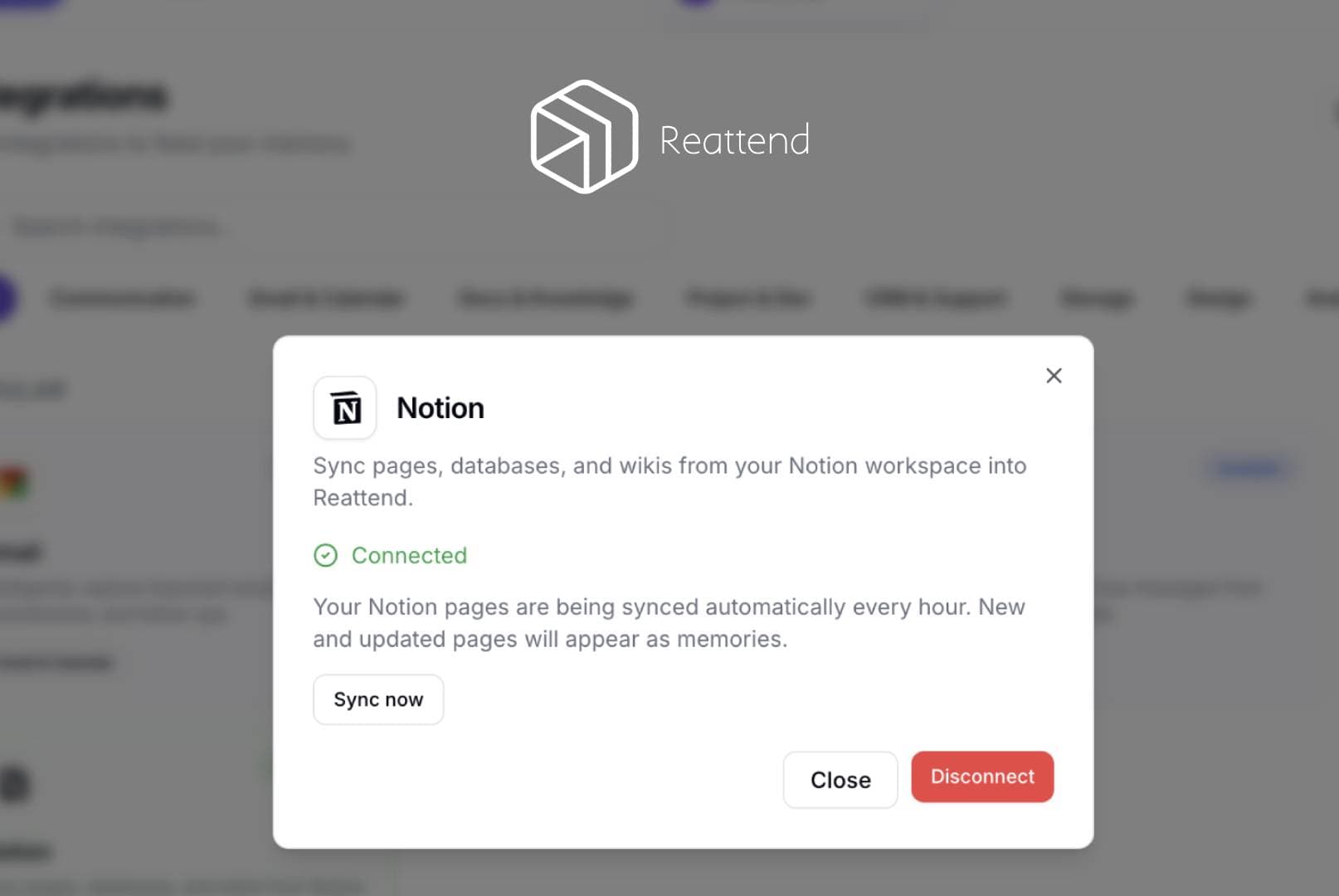
Reattend syncs Notion pages into the user's private Reattend memory. When a user connects their Notion workspace via OAuth, Reattend reads the pages they grant access to using the Notion API (search and blocks endpoints). Page titles and block content are extracted as plain text and stored as memories in the user's Reattend account. The integration re-syncs every 60 minutes, checking page last_edited_time to only process new or updated pages. No data is written back to Notion - it is read-only. Users can disconnect at any time from the Reattend integrations page, which revokes the access token.
功能
- 读取、插入和更新内容可以读取、插入和更新与此连接共享的页面、数据库和区块。
- 查看工作空间用户读取有关工作空间成员和访客的基本档案详细信息,包括其电子邮件地址。
如何使用
- Sign up at reattend.com and log in
- Go to Settings → Integrations
- Click "Notion" → "Connect Notion"
- Authorize Reattend in the Notion popup - select which pages to share
- Pages are automatically imported as searchable memories
- Ask questions about your Notion content using Reattend's AI assistant
- New and edited pages sync automatically every hour
- To disconnect, go to Integrations → Notion → Disconnect