
About
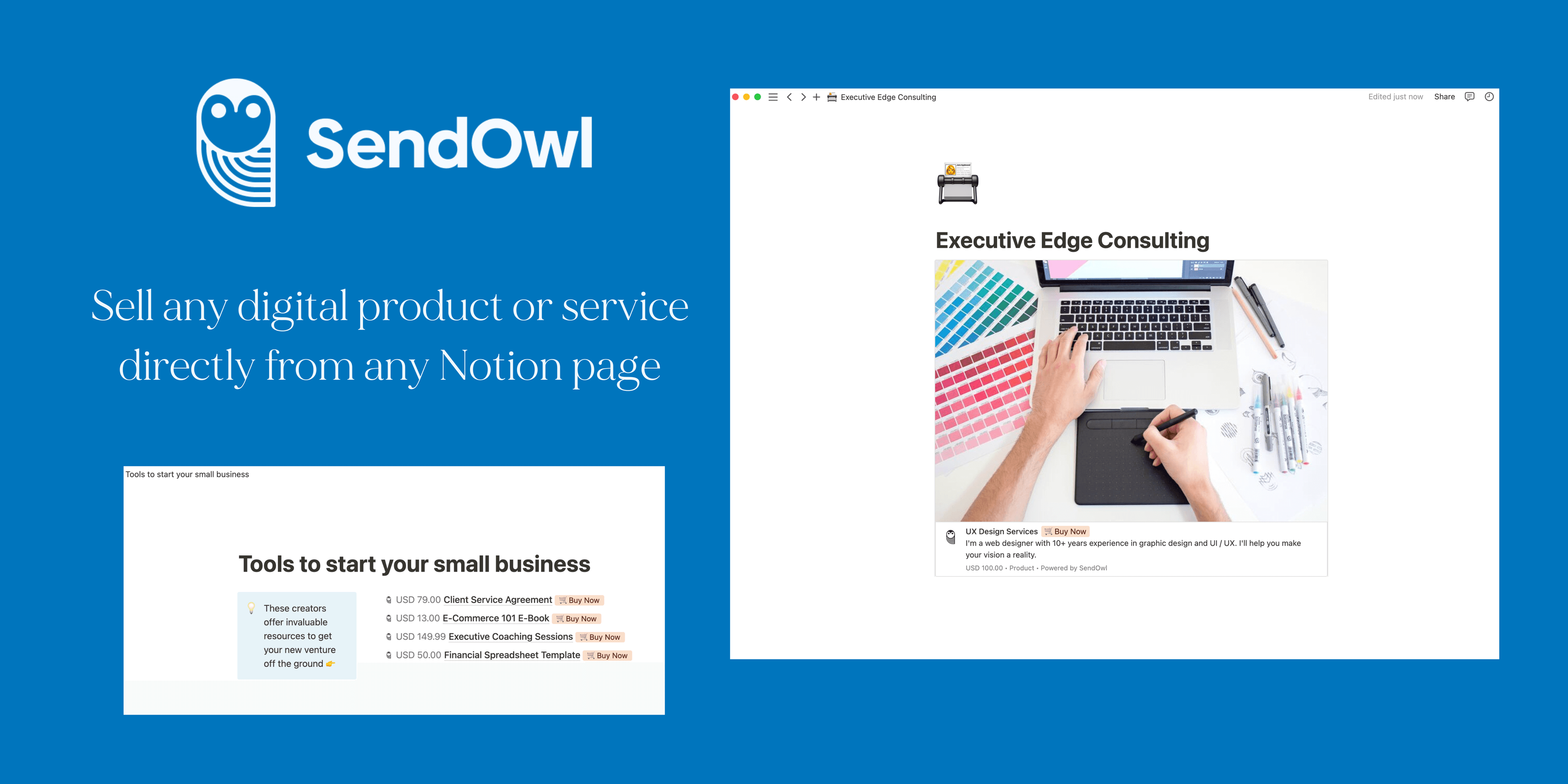
SendOwl enables creators and businesses to sell digital products like downloads, templates, subscriptions, private links, access codes, drip content and more. With SendOwl’s Link preview integration, it’s now easier than ever to showcase your digital products and services directly on a Notion page to drive sales. Whether you're selling downloads, templates, subscriptions, private links, access codes, drip content, e-books, video, audio, PDFs, designs, or online courses, this integration offers a comprehensive solution for monetizing your Notion pages in an organized and visually alluring way.
Tính năng
- Đọc, chèn và cập nhật nội dungCó thể đọc, chèn và cập nhật các trang, cơ sở dữ liệu và thành phần nội dung được chia sẻ với kết nối này.
- Đọc và thêm bình luậnCó thể đọc và thêm bình luận trên các trang và thành phần nội dung mà nó có thể truy cập.
- Xem trước liên kếtHiển thị liên kết từ sản phẩm này dưới dạng bản xem trước phong phú theo thời gian thực khi được dán vào Notion.
How to use
Paste any SendOwl digital product or service links into Notion, then select
Paste as preview. If it’s your first time using SendOwl with Notion, you will be prompted to authorize the integration. Follow the prompts to complete the authorization process. Once authorized, you will see a detailed preview of the linked contentYou can also
EmbedSendOwl digital product or service links into Notion