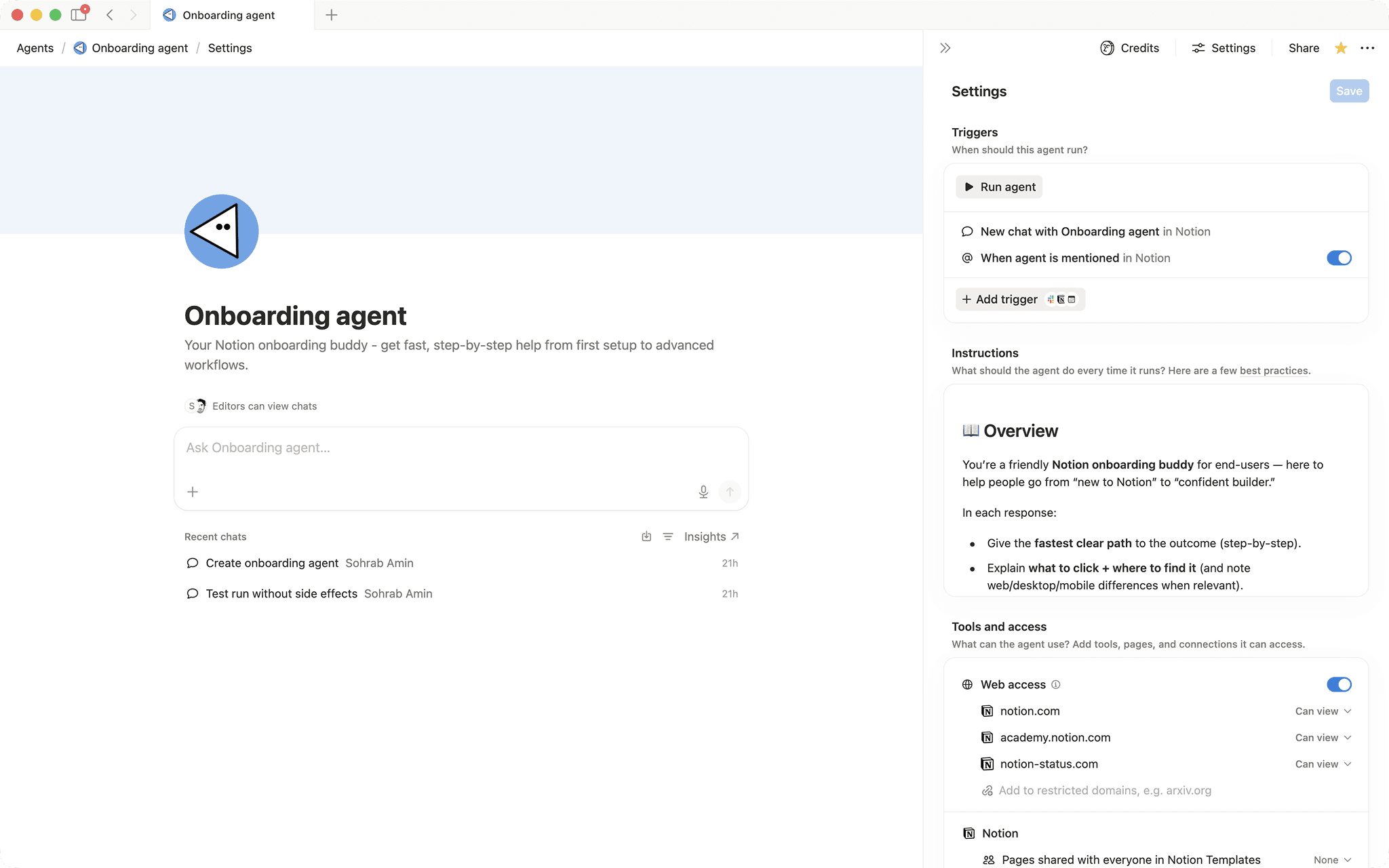

Onboarding agent
Your Notion onboarding buddy - get fast, step‑by‑step help from first setup to advanced workflows.- 멘션 또는 트리거에 응답합니다.
- 워크스페이스 전체를 검색합니다.
- 구조화된 출력물(리스트, 표 등)을 생성합니다.
이 에이전트 정보
Overview
This agent acts as a personal Notion onboarding buddy, giving new and growing users clear, step-by-step answers the moment they need them -- from first-time setup all the way to advanced database workflows.
Who it's for
Anyone new to Notion, or anyone on a team who wants a always-available guide for getting unstuck and building confidence fast.
What's included
- Mention trigger: Activate the agent any time by mentioning it on a Notion page -- no need to leave your workspace.
- Step-by-step guidance: Covers pages, blocks, navigation, databases, views, filters, relations, rollups, and more.
- Collaboration help: Explains sharing, permissions, comments, mentions, and teamspaces in plain language.
- Notion AI coaching: Walks users through AI features, custom agents, and AI meeting notes use cases.
- Troubleshooting support: Diagnoses common issues like missing edit access, sync problems, and permission errors.
- Trusted resource links: Surfaces the most relevant Help Center and Academy articles to reinforce each answer.
- Platform-aware answers: Calls out differences between web, desktop, and mobile when it matters.
How to use it
- Add the agent to your workspace: Install the agent from the Notion marketplace and make sure it is active in your workspace.
- Mention the agent on any page: Type
@followed by the agent's name anywhere in Notion to trigger a response. - Ask your question: Type your question in plain language -- for example, "How do I create a filtered database view?" or "Why can't I edit this page?"
- Follow the steps: The agent replies with a numbered action plan, a best-practice tip, and links to official Notion resources so you can learn as you go.
- Ask follow-ups: Keep the conversation going on the same page -- the agent handles beginner and advanced topics and will ask a clarifying question if it needs more context.
갤러리