
정보
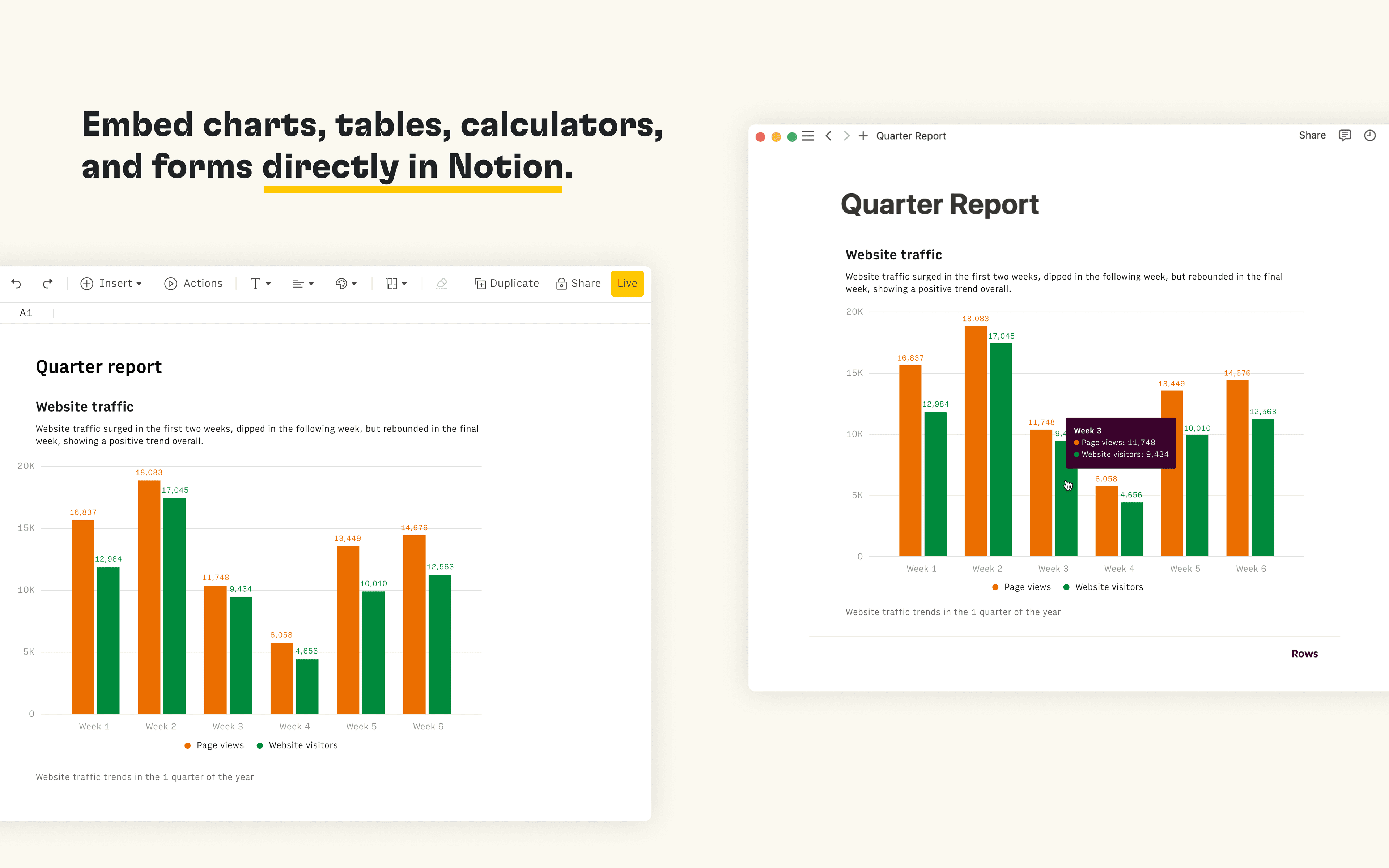
Rows is the spreadsheet where data comes to life. The Notion integration in Rows allows you to import and query your Notion databases in Rows, analyze and transform data using AI, and embed interactive tables and charts in your Notion pages.
기능
- 콘텐츠 읽기, 삽입 및 업데이트이 연결과 공유된 페이지, 데이터베이스, 블록을 읽기, 삽입 및 업데이트 수 있습니다.
- 워크스페이스 사용자 보기워크스페이스 멤버와 게스트에 대한 기본 프로필 상세정보를 읽습니다.
사용 방법
Connect the Notion integration in Rows and import the contents of your databases to a table in Rows
Once you’re ready to embed your data into Notion, select
Embednext to the table, form or chart you want to share in Notion and selectCopy URL. The embed link should be in the following format:https:/ / rows. com/ embed/ projectIDPaste the Rows embed link into Notion and select
Create embedFor more information, see the Rows docs and watch the integration demo