정보
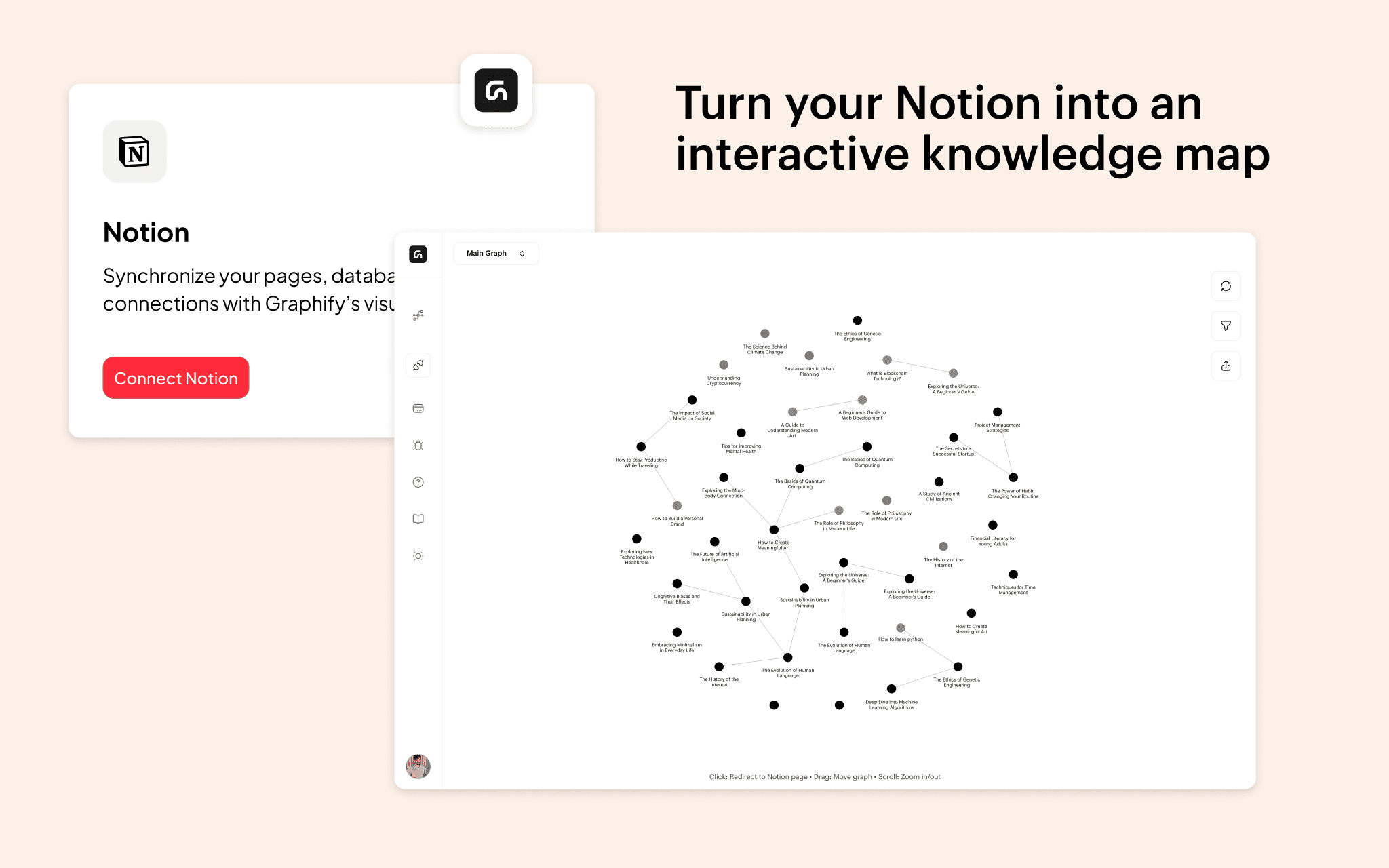
Graphify transforms your Notion workspace into an interactive knowledge graph, making it easier to visualize and explore relationships between your notes.With this integration, you can instantly generate a graph view of your Notion pages, using existing @mentions, database relations, and links. Simply connect Graphify to your workspace, select the pages you want to include, and watch as your notes become an interactive, structured network. Users can filter nodes in real time, adjust visualization settings, and hover over pages to reveal connections, helping them better understand and navigate their knowledge. Whether you're a researcher, writer, or student, Graphify makes your Notion data more intuitive, unlocking new ways to connect ideas and organize information effortlessly.
기능
- 콘텐츠 읽기, 삽입 및 업데이트이 연결과 공유된 페이지, 데이터베이스, 블록을 읽기, 삽입 및 업데이트 수 있습니다.
- 워크스페이스 사용자 보기이메일 주소를 포함한 워크스페이스 멤버와 게스트에 대한 기본 프로필 상세정보를 읽습니다.
사용 방법
- Open Graphify and navigate to the Connections tab.
- Click Notion and connect your workspace.
- Select the pages you want to include in your graph.
- Return to Graphify and click View Graph to visualize your connections.