

정보
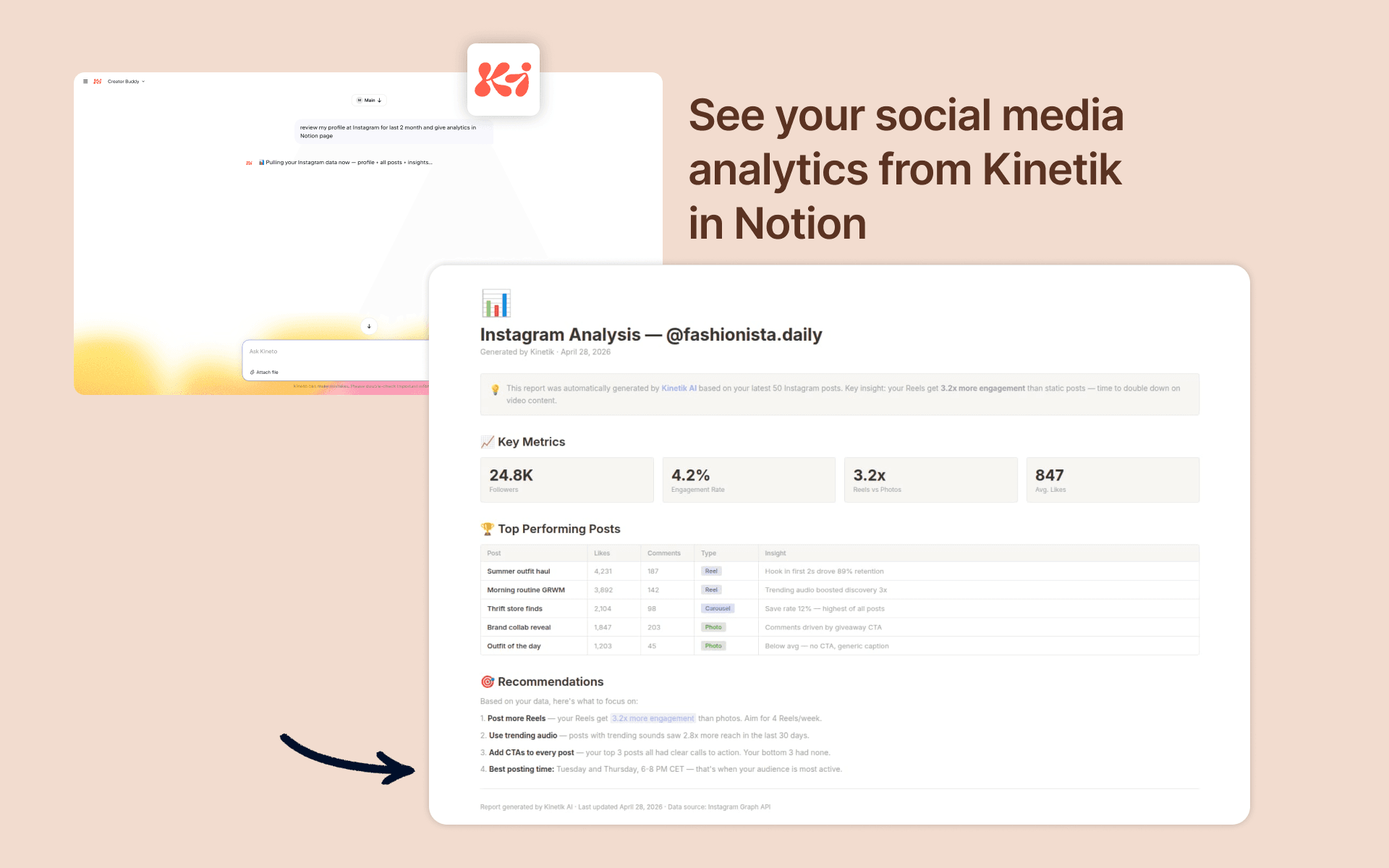
Ask Kinetik in natural language to generate content, reports, or structured data, and have the results saved directly to the Notion pages and databases you choose. Useful for creators, marketers, and solopreneurs who use Notion as their main workspace.
기능
- 콘텐츠 읽기, 삽입 및 업데이트이 연결과 공유된 페이지, 데이터베이스, 블록을 읽기, 삽입 및 업데이트 수 있습니다.
- 워크스페이스 사용자 보기이메일 주소를 포함한 워크스페이스 멤버와 게스트에 대한 기본 프로필 상세정보를 읽습니다.
사용 방법
- Create a Kineto account or log in at https://kineto.app
- Connect WhatsApp
- Ask chatbot to connect Notion
- You'll be redirected to Notion. Choose the workspace you want to connect — make sure it's the correct one if you're a member of several
- On the page picker screen, select the pages and databases Kineto should access. You can select individual pages or entire sections
- Click "Allow access" to confirm. Notion will redirect you back to Kineto
- Ask Kinetik to generate any answer to you like (pick 10 top rated bakeries in Amsterdam and put them in to my Notion)
