
About
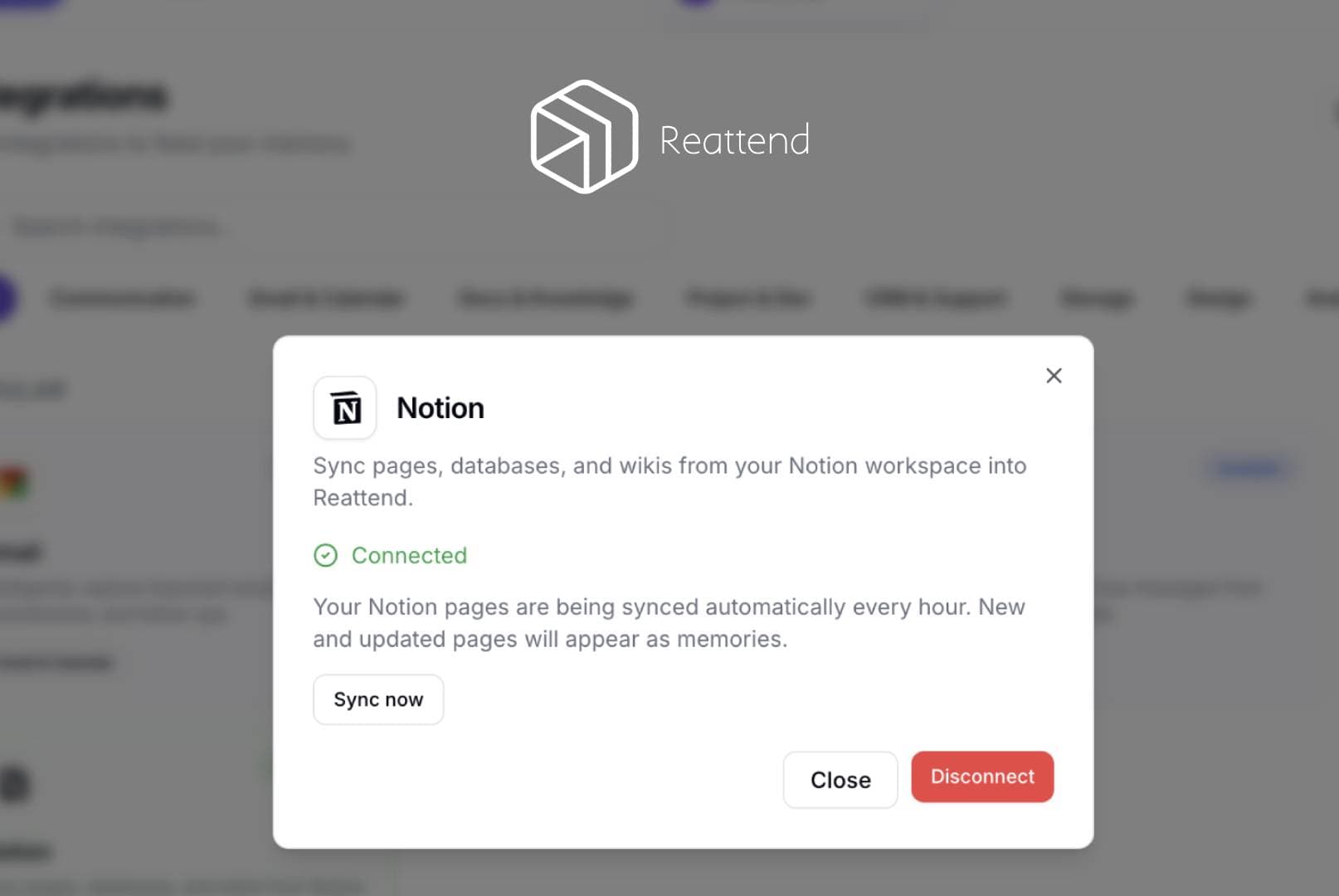
Reattend syncs Notion pages into the user's private Reattend memory. When a user connects their Notion workspace via OAuth, Reattend reads the pages they grant access to using the Notion API (search and blocks endpoints). Page titles and block content are extracted as plain text and stored as memories in the user's Reattend account. The integration re-syncs every 60 minutes, checking page last_edited_time to only process new or updated pages. No data is written back to Notion - it is read-only. Users can disconnect at any time from the Reattend integrations page, which revokes the access token.
Ominaisuudet
- Lukea, lisätä ja päivittää sisältöjäVoi lukea, lisätä ja päivittää sivuja, tietokantoja ja lohkoja, jotka on jaettu tämän yhteyden kanssa.
- Tarkastelee työtilan käyttäjiäLukee työtilan jäsenten ja vieraiden profiilin perustietoja, mukaan lukien heidän sähköpostiosoitteensa.
How to use
- Sign up at reattend.com and log in
- Go to Settings → Integrations
- Click "Notion" → "Connect Notion"
- Authorize Reattend in the Notion popup - select which pages to share
- Pages are automatically imported as searchable memories
- Ask questions about your Notion content using Reattend's AI assistant
- New and edited pages sync automatically every hour
- To disconnect, go to Integrations → Notion → Disconnect