

Información
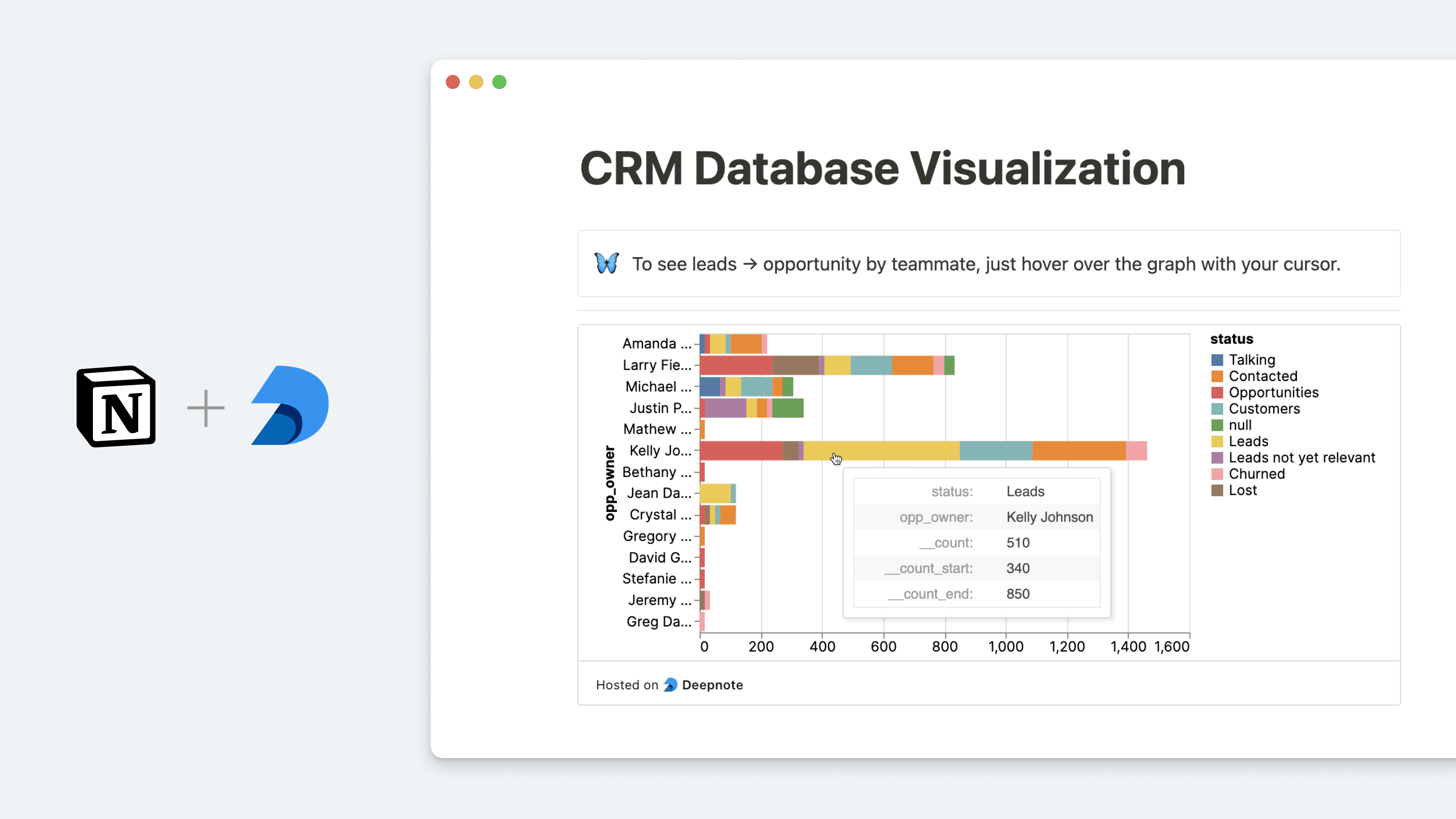
Deepnote is a data science notebook that helps teams explore data with Python and SQL, build data visualizations and share insights that lead to action. With this integration, you can query data stored in your Notion databases and analyze it in Deepnote. After visualizing your data, you can then go full-circle and embed your Deepnote charts and blocks back into Notion, keeping your data insights and context all in one place.
Cómo se usa
In Deepnote, select the block you want to embed into Notion → select
Share block→ copy theShare block URL(formatted ashttps://embed.deepnote.com/...)Paste the copied link into Notion, then select
Embed Deepnote. You can also type/deepnoteinto a Notion page - a field will come up that allows you to paste Deepnote linksTo learn more about how to query Notion databases in Deepnote and set up the integration, follow this guide
Detalles
- Estadísticas