Ikon for forbindelse

Notion AI Connector for SharePoint and OneDrive

Overview

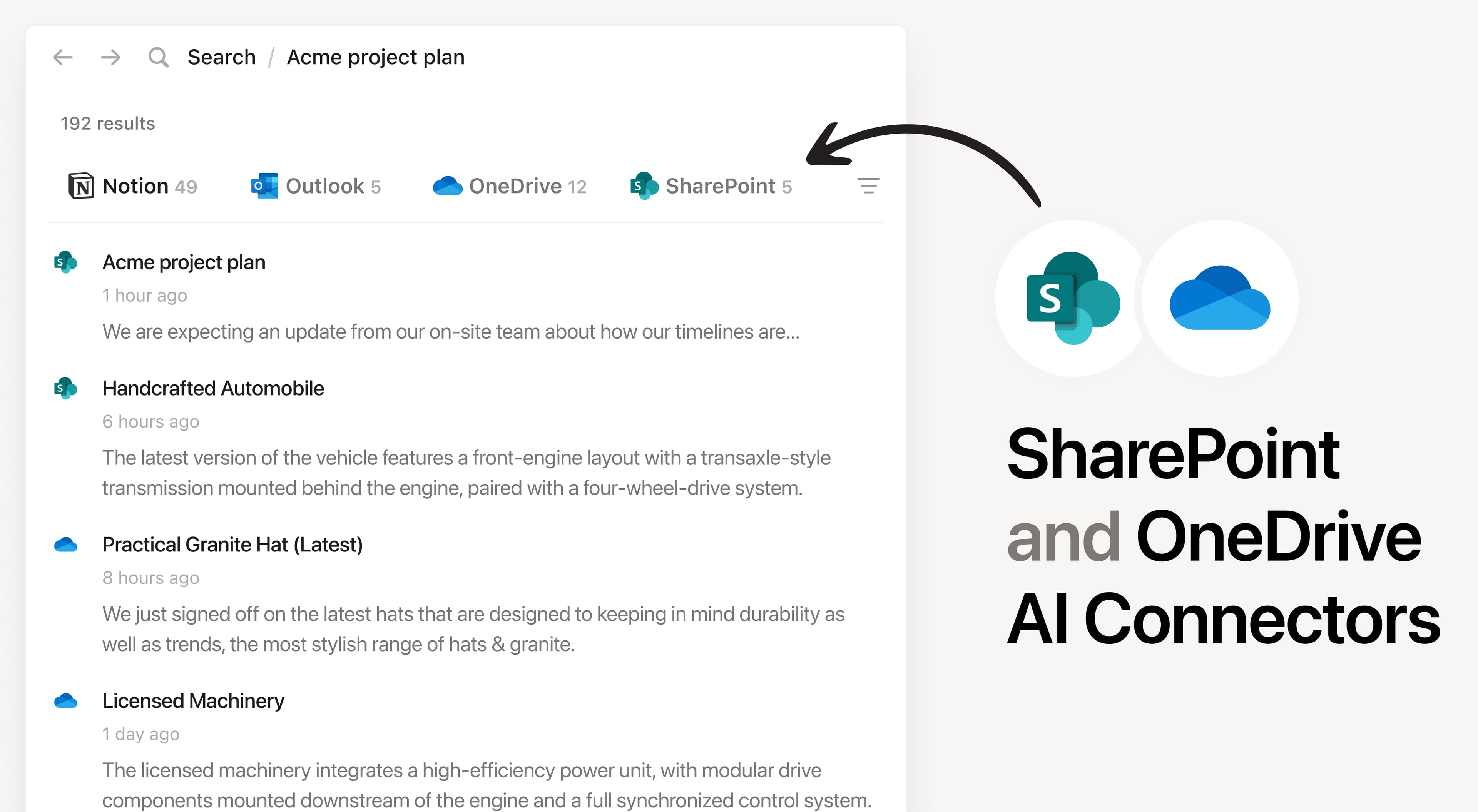
Install Notion’s AI Connector to your SharePoint instance and OneDrive account. Get answers from content stored in files (docx, xlsx, pptx), PDFs, and documents. Easily find company policies, project documentation, and analyze team files in Excel without having to leave Notion.

How to use

Must be a Notion workspace owner on the Business or Enterprise plan and a Microsoft 365 admin to connect.

In Notion, navigate to the SharePoint and OneDrive AI Connector by going to SettingsNotion AIAI ConnectorsSharePoint and OneDrive and follow the setup steps. You’ll be taken to Microsoft to continue.

For detailed instructions, check out our Help Center.

After installation is complete, ask Notion AI for the most common themes in customer feedback documents or summarize the key findings from your recent Quarterly Report in your shared documents.

Alle tredjepartsvaremærker (herunder logoer og ikoner), der henvises til heri, tilhører de respektive ejere. Medmindre det specifikt er angivet som "Lavet af Notion", understøttes eller vedligeholdes integrationer ikke af Notion. De tredjepartsprodukter eller -tjenester, som integrationer skaber forbindelse til, er applikationer, der ikke er fra Notion (som defineret i Notions Master-abonnementsaftalen eller vilkår for personlig brug, hvis det er relevant). Ved at aktivere en integration eller på anden måde bruge Notion-integrationsgalleriet accepterer du Notions vilkår for integrationsgalleri.