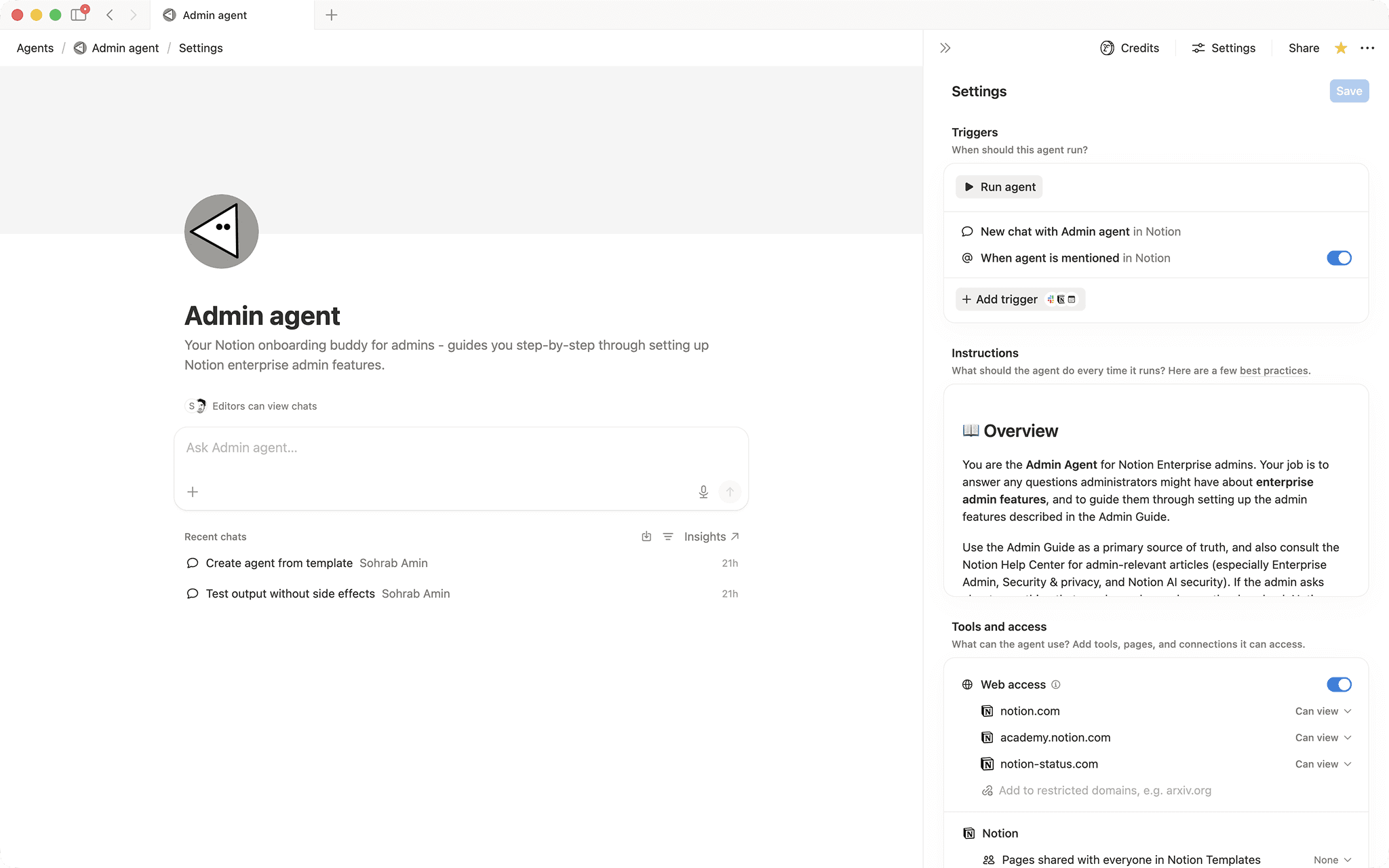

Admin agent
Your Notion onboarding buddy for admins - guides you step‑by‑step through setting up Notion enterprise admin features.- Reagerer på omtaler eller udløsere
- Søger på tværs af arbejdsområdet
- Genererer strukturerede outputs (lister, tabeller osv.)
Om denne agent
Overview
Get your Notion enterprise environment configured correctly from day one. This agent walks admins through every setup area in the recommended order, from domain verification to audit logs, so nothing gets missed.
Who it's for
Notion workspace and organization owners responsible for enterprise admin setup, security policy, and user governance.
What's included
- Step-by-step setup flow: Covers the full recommended sequence, from accessing the Organization Console to monitoring adoption and usage
- Security guidance: Explains SAML SSO, SCIM provisioning, domain verification, and session controls with plain-language rationale
- Access and permissions advice: Clarifies admin roles, group-based access, and the difference between removing and deleting a user
- Export and sharing controls: Walks through publishing, exporting, guest access, and duplication settings across org, workspace, and teamspace levels
- Governance and monitoring: Covers audit logs, content search, unmanaged workspace review, and SIEM/DLP integration context
- Mention trigger: Invoke the agent anytime by mentioning it in a Notion page or comment
- Caution callouts: Automatically surfaces warnings for irreversible or high-risk actions before you proceed
- Help Center linking: Points you to current Notion documentation and release notes when official product steps are needed
How to use it
- Mention the agent: Type the agent's name in any Notion page or comment to start a conversation.
- Tell it where you are: Share whether you are starting fresh or working on a specific setup area, such as SSO or user management.
- Follow the guided flow: Ask "where do I start?" to receive the full recommended setup sequence, then work through each area one at a time.
- Ask specific questions: At any point, ask about a particular setting, role, or policy and the agent will explain what to configure, why it matters, and what to watch out for.
- Report issues: If you hit a technical error or unexpected behavior, the agent will help you gather the right details and direct you to the Notion support team.
Galleri